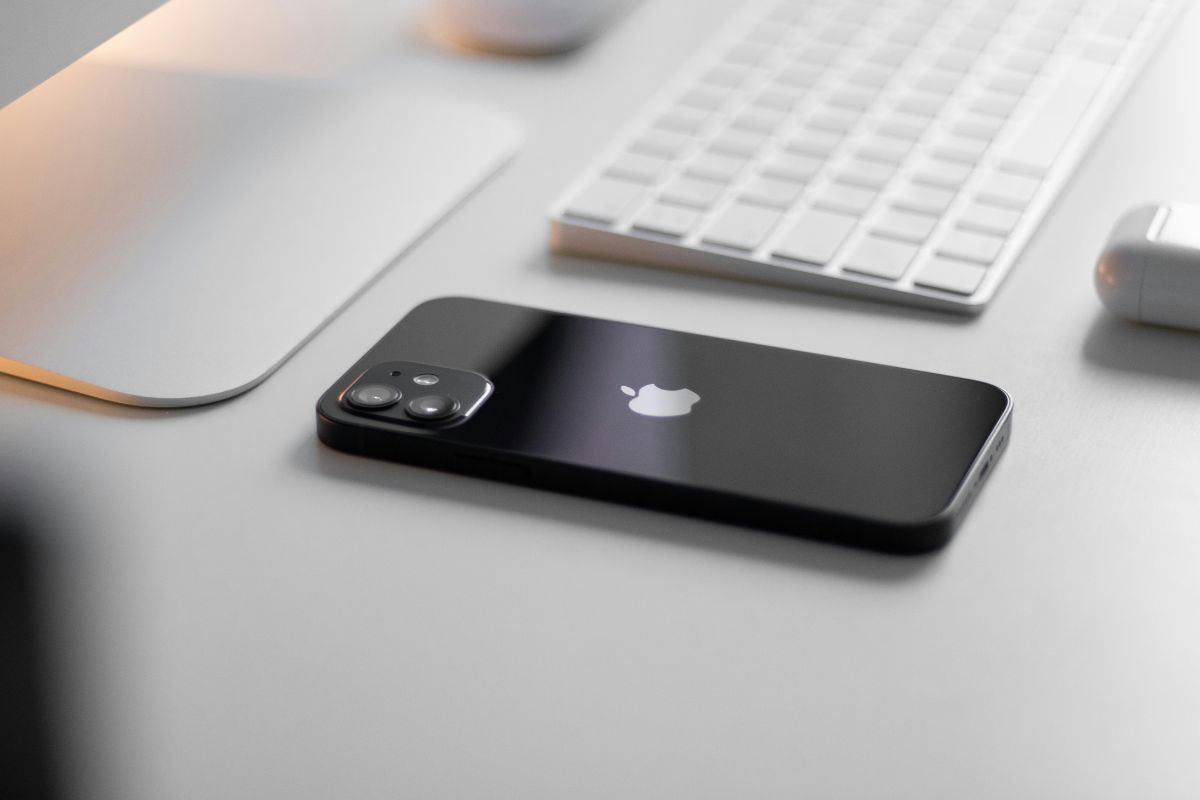

In 2026, getting an iPhone 12 at no cost often depends on more than a bold online promise. Some Americans may come across a free iPhone 12 through Lifeline-related providers, carrier promotions, trade-in deals, or limited-time savings offers, but the final option can vary by location, approval status, and stock.
TeaKoe’s guide helps readers compare legitimate paths, check real terms, and avoid phone offers that sound too good to be true.
1. Can You Really Get a Free iPhone 12?
Yes, some Americans may find an iPhone 12 free through Lifeline-related providers, carrier promotions, trade-in credits, or limited-time phone deals, but it is not something every applicant can automatically receive.
The final offer usually depends on eligibility, ZIP code, provider rules, device inventory, and whether the phone is truly free or tied to certain plan terms.
Before applying, users should read the offer details carefully and avoid websites that promise instant approval without verification.
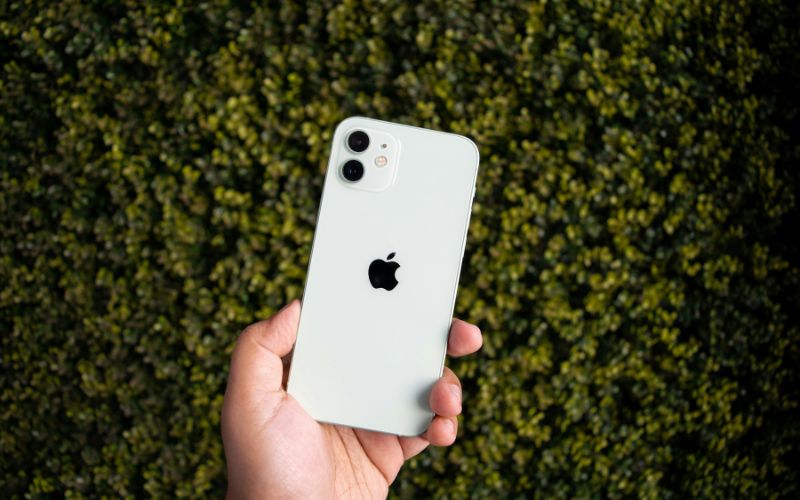
2. Who Qualifies for Government Device Assistance Programs?
Government device assistance usually starts with Lifeline qualification, not with a guaranteed phone model.
Assistance Program Recipients
People may qualify for Lifeline if they already receive benefits from an approved assistance program. Common qualifying programs include:
- Supplemental Nutrition Assistance Program (SNAP)
- Medicaid
- Supplemental Security Income (SSI)
- Federal Public Housing Assistance (FPHA)
- Veterans Pension and Survivors Benefit
- Tribal assistance programs for Tribal lands
This route is often more direct because applicants can usually verify their status with a benefit letter, approval notice, or official program document.
Household Income
Household income is the second main way to qualify for Lifeline. According to Lifeline rules, a household may qualify when its income is at or below 135% of the Federal Poverty Guidelines, with the exact limit changing based on household size and location.
Applicants using this path may need to submit proof such as recent pay stubs, a tax return, or another accepted income record.
After the income requirement is verified, users may access supported phone service first, while the final device options still depend on the provider’s current stock and local availability.
>>> Read more: Free Government iPhone 13: What Eligible Americans Should Know
3. What Does the Free iPhone 12 Apply Process Usually Look Like?
Legit phone applications usually follow a clear review process instead of promising instant approval with no checks.
With AirTalk Wireless, users typically confirm service availability, review plans and devices, complete the form, and provide proof only when verification is required.
Step 1: Check Basic Qualification First
Start by confirming whether you may qualify through Lifeline. Users may qualify through programs such as Medicaid, SNAP, SSI, federal public housing assistance, certain Tribal programs, or by meeting low-income rules.
It may also help to prepare supporting documents before starting the application process.
Step 2: Enter Your ZIP Code on AirTalk Wireless
Go to the AirTalk Wireless website and enter your ZIP code to check whether service is available in your area. After the ZIP code check, the site may show available Lifeline plans and phone choices.
Step 3: Select a Plan and Available Device
Choose the Lifeline plan that fits your calling, texting, and data needs. Then review the phones shown during the application flow, paying attention to whether the device is listed as free, discounted, or part of a limited-time offer.
If an iPhone 12 is available, compare its terms with those of other listed models before selecting it.
Step 4: Complete Your Personal Information
Fill in your legal name, date of birth, home address, and other requested details carefully. The information should match official records because spelling errors, outdated addresses, or mismatched benefit details can delay the review.
AirTalk Wireless may also ask for identity or eligibility details as part of the enrollment process.
Step 5: Upload Documents If Verification Is Needed
Some applicants may pass automatic checks, while others may need to upload proof. Common examples include a government ID, proof of qualifying benefits, proof of income, or address verification documents.
Step 6: Submit the Application and Review the Final Confirmation
Before submitting, check your selected plan, device choice, contact details, and uploaded documents one more time. Once the application is sent, AirTalk Wireless or the verification system will review your information.
After approval, follow the shipping and activation instructions provided by the provider.
4. Alternatives If iPhone 12 Inventory Is Limited
iPhone 12 availability can change by location, approval status, and current AirTalk Wireless inventory, so it is smart to compare other device options before applying.
If the iPhone 12 is not listed, applicants may still find other models that fits their needs.
Note: Device pricing, promotional offers, and stock availability can also change over time and may differ by state and service area.
| Phone Models | AirTalk Wireless Price | Retail Price |
|---|---|---|
| Galaxy A32 5G | $99.99 | $180.00 |
| Galaxy A23 5G | $89.99 | $160.00 |
| Galaxy A14 5g | $69.99 | $113.85 |
| MOTOROLA Moto G 5G 2022 | $69.99 | $100.00 |
| NOKIA G400 5G | $34.99 | $129.99 |
| CTL Stylus 5G | $39.99 | $149.99 |
| COOLPAD LEVVL PLUS | $29.99 | $129.00 |
5. Red Flags to Watch for While Searching for Free iPhone 12 Online
Online phone offers can look convincing, especially when they use urgent language or promise premium devices with no clear requirements.
Fake “Guaranteed iPhone” Claims
Be careful with websites or ads that promise every applicant will receive the exact same iPhone model. Legit programs usually review eligibility first, then show available devices based on location and stock.
Requests for Upfront Payments
Some scams ask users to pay “shipping,” “activation,” or “reservation” fees before showing clear program terms. Legit providers may list costs transparently during the application flow, but they should not pressure users into paying through random links.
Unverified Giveaway Websites
Giveaway pages with no company details, privacy policy, customer support, or official provider connection should raise concern. Many of these sites collect personal information without offering a real phone number.
Suspicious Social Media Ads
Social media ads may use fake countdowns, edited screenshots, or copied provider logos to look trustworthy. If an ad redirects to an unfamiliar website, check the official provider page directly instead.
6. Final Words
Finding the right phone offer takes more than trusting a bold headline or social media ad. Some users may come across a free iPhone 12 through Lifeline-related providers, carrier promotions, or limited-time deals, but the final option should always be checked through official terms.
Device availability, ZIP code, approval status, and possible costs can all affect what applicants actually receive. TeaKoe helps readers compare safer savings paths and choose realistic phone offers with better confidence.