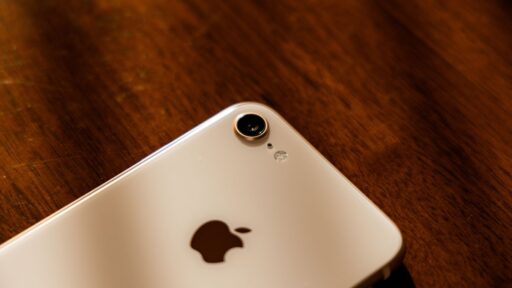

Buying an iPhone with more carrier freedom can help Americans compare plans, switch networks, or avoid long contracts more easily. A SIM free iPhone usually means the device is not tied to one carrier at purchase, giving users more control over SIM cards, eSIM setup, and service choices.
TeaKoe’s guide helps readers understand how these iPhones work, what to check before buying, and which options offer better flexibility.
1. What Does “SIM Free iPhone” Actually Mean?
When an iPhone is sold as a SIM free iPhone, it means the device is unlocked and not tied to one carrier, preset SIM card, or required service contract. Buyers can activate it with a compatible provider using a physical SIM, eSIM, or both, depending on the model.
This type of iPhone gives users more control over monthly plans, network changes, and travel use. It is especially helpful for people who want to compare carriers, switch service later, or use a local SIM while abroad without buying another phone.
>>> Read more: Free iPhone 7 in 2026: Legit Ways to Stay Connected on a Budget
2. SIM Free vs. Unlocked iPhones
SIM free and unlocked iPhones are closely related, but they are not always described from the same buying angle. SIM free usually focuses on how the phone is sold, while unlocked focuses on whether the device can work with different compatible carriers.
| Feature | SIM Free iPhone | Unlocked iPhone |
|---|---|---|
| Basic meaning | Sold without a pre-installed SIM card or required carrier contract | Not locked to one carrier network |
| Buying situation | Often purchased directly from Apple or a retailer without choosing a carrier plan | May be bought unlocked or unlocked later after meeting carrier requirements |
| Carrier flexibility | Can be activated with a compatible carrier after purchase | Can work with different compatible carriers once unlocked |
| SIM or eSIM use | May support physical SIM, eSIM, or both, depending on the iPhone model | May also support physical SIM or eSIM, depending on the model and carrier support |
| Contract status | Usually not tied to a service contract at the time of purchase | May or may not have come from a previous carrier contract |
| Best for | Buyers who want flexibility from day one | Users who want to switch carriers or use a phone after it has been unlocked |
| Key note | SIM free is generally considered unlocked and sold without a carrier plan | Unlocked describes network status, not always how the phone was originally sold |
3. How to Get a Legit SIM Free iPhone
Legit iPhone offers should include clear eligibility rules, provider information, and service terms instead of vague promises.
Step 1: Check Whether You Qualify
Start by reviewing whether you may qualify through Lifeline based on household income or participation in an approved assistance program.
Step 2: Enter Your ZIP Code
Visit the AirTalk Wireless website and enter your ZIP code to check service availability in your area. Device choices, plan options, and discount levels can vary by state and location.
Step 3: Review the Plan and SIM Option
After your location is checked, review the available plan details before choosing a device.
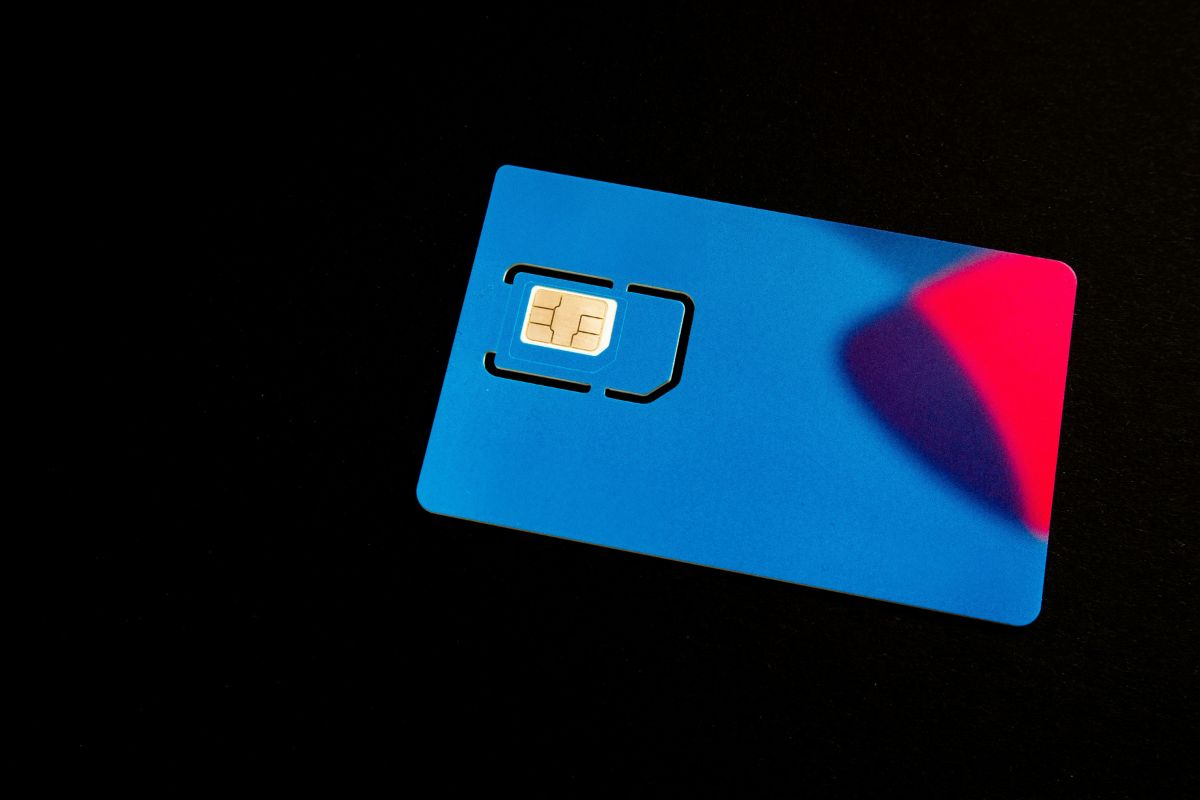
If you apply for a discounted iPhone at AirTalk Wireless, you may receive a free eSIM or SIM card with the service, depending on device compatibility and the option available during checkout.
Step 4: Choose an Available iPhone Model
Look through the iPhone options shown during the application flow and compare the final terms carefully. Some users may search for an iPhone 14 Pro Max SIM free or an iPhone 12 SIM free, but AirTalk Wireless offers depend on current inventory, ZIP code, approval status, and whether the model is listed at that time.
Step 5: Complete the Application Form
Fill out your legal name, date of birth, home address, contact details, and other required information.
Make sure every detail matches your official records because incorrect spelling, outdated addresses, or mismatched benefit information can delay verification or require extra review before approval.
Step 6: Upload Proof If Requested
Some applicants may pass automatic checks, while others may need to upload proof of identity, income, address, or assistance program participation. Use clear and current documents so the system can review your case smoothly.
After submission, wait for approval, shipping updates, and activation instructions from AirTalk Wireless.
4. Maximizing Savings If You Are Eligible for Government Benefits
Public benefits can sometimes help people lower their monthly phone costs, but the best savings often start with knowing which Lifeline rule fits your situation.
Qualify Through Assistance Programs
People may qualify for Lifeline if they or someone in their household receives benefits from an approved assistance program.
Common examples include Medicaid, SNAP, SSI, Federal Public Housing Assistance, Veterans Pension and Survivors Benefit, and certain Tribal assistance programs for eligible households on qualifying Tribal lands.
After approval, users can compare participating providers and look for iPhone deals SIM free that fit their area, plan needs, and available device choices.
Qualify Through Household Income
Household income is another accepted Lifeline path for people who do not receive qualifying benefits.
Lifeline rules allow households to qualify when income is at or below 135% of the Federal Poverty Guidelines, with the exact limit changing based on household size and location.
Applicants using this route may need to provide proof such as recent pay stubs, a tax return, or another accepted income record.
After the income review is completed, they can explore supported phone or internet service options and compare any device offers shown by participating providers.
5. How to Use Your SIM Free iPhone with AirTalk Wireless Plans
Bringing your own device to AirTalk Wireless can be a smart option when the phone is already unlocked and compatible with the network.
Step 1: Verify the unlock status of your device
Before using your phone with AirTalk Wireless, confirm that it is not locked to another carrier. iPhone users can go to Settings, choose General, tap About, and check the Carrier Lock section. If it says “No SIM restrictions,” the device is unlocked and may work with another compatible network.
Step 2: Locate your IMEI number
Your IMEI, or International Mobile Equipment Identity, is a 15-digit number used to check whether your phone is compatible with AirTalk Wireless service. The fastest way to find it is to dial *#06# on your device, and the IMEI should appear on the screen.
You can also find it through your phone settings. On an iPhone, open Settings, tap General, then choose About.
Step 3: Check compatibility online
Visit the AirTalk Wireless BYOD page and enter your IMEI number into the compatibility tool. For example, an iPhone 11 SIM free still needs to pass this check before it can be used with an AirTalk Wireless plan.
Step 4: Insert the SIM card and use
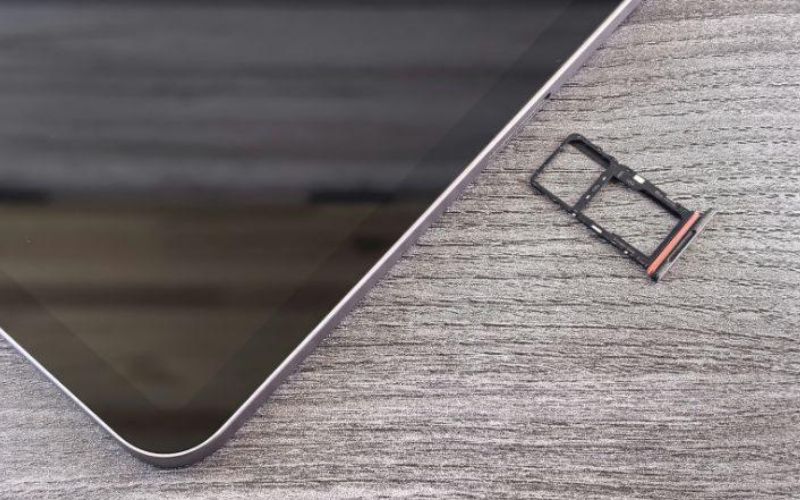
Once compatibility is confirmed, follow the activation instructions provided by AirTalk Wireless. Depending on your device and plan option, you may use a physical SIM card or eSIM to connect your phone to the service.
After setup, test calls, texts, mobile data, and voicemail to make sure everything works correctly. Keeping your IMEI and activation details nearby can also help if customer support needs to troubleshoot the device.
6. Frequently Asked Questions About SIM Free iPhones
SIM free iPhones can be useful for people who want more control over carriers, plans, and travel setup. Still, buyers should check the device status carefully because “SIM free,” “unlocked,” and “carrier-compatible” do not always mean the same thing.
Are SIM free iPhones more expensive?
SIM free iPhones may cost more upfront because they are often sold without carrier discounts, installment credits, or contract-based promotions.
How can I double-check if an iPhone is truly SIM-free before buying?
Check the phone’s Carrier Lock status by going to Settings, General, About, then Carrier Lock. If it shows “No SIM restrictions,” the iPhone is unlocked; buyers should also ask for the IMEI and confirm that the phone is not reported lost, financed, or blocked before paying.
When will my free AirTalk Wireless iPhone become “SIM-Free” or unlocked?
The safest step is to review the latest unlocking policy or contact customer support to confirm whether the phone can be unlocked, when it may qualify, and what conditions must be met.
7. Final Words
More carrier freedom can make an iPhone easier to use with different plans, travel options, or BYOD services. Before buying or activating a SIM free iPhone, users should check the unlock status, IMEI, SIM or eSIM support, and network compatibility to avoid unexpected limits.
AirTalk Wireless users should also review BYOD rules and device terms before starting service. TeaKoe helps readers compare flexible iPhone options, understand safer setup steps, and make smarter phone decisions.